Study Context
Capture the brief, KBQs, and objectives
Stage 0 anchors every project: sponsor, study type, target audience, key business questions, and extracted objectives. Every downstream choice traces back to this versioned context.
Pharma quant analytics, on rails
Quant Explorer keeps quantitative studies reproducible from brief to sign-off — capture context, vet the dictionary, derive variables, and run LLM-driven analyses inside a stage-gated workflow with approvals and audit.
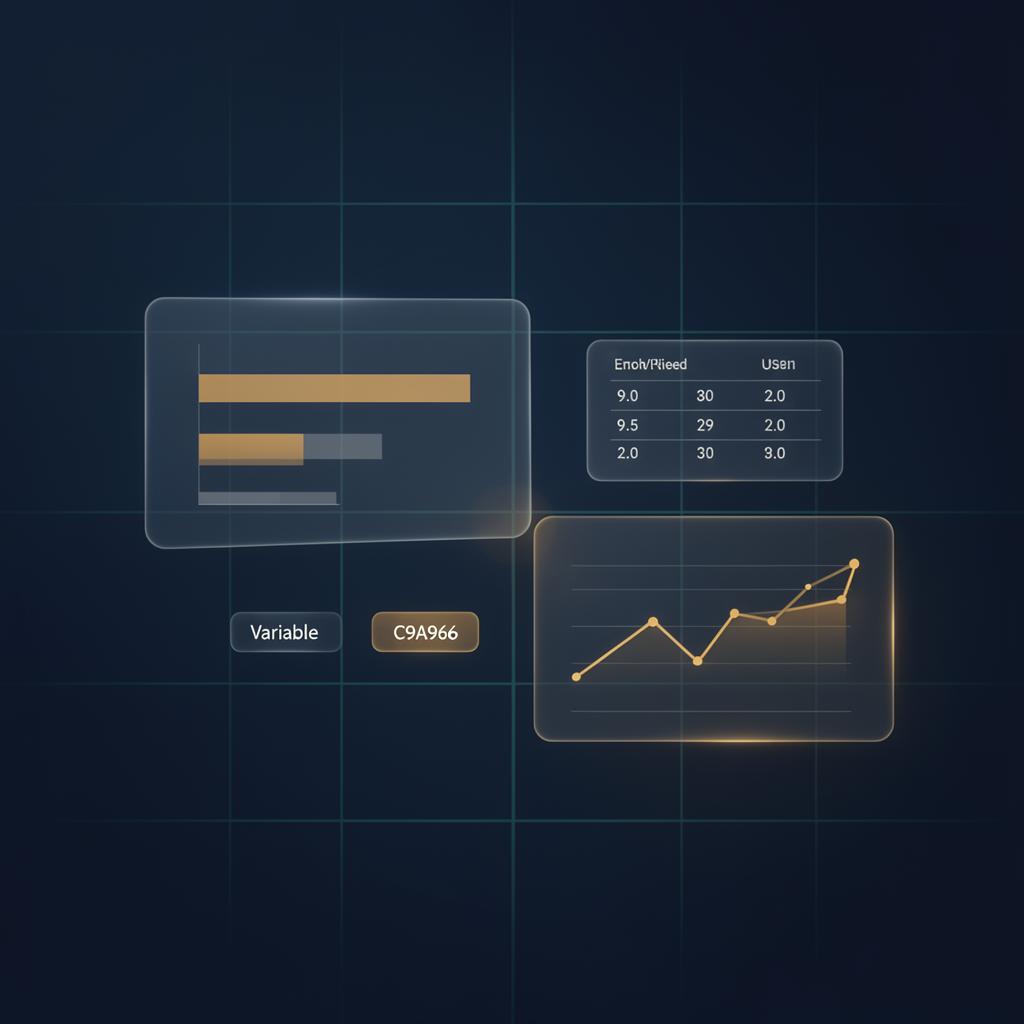
The workbench
Eight connected modules take you from a project brief to defensible evidence — each designed to keep decisions transparent and reproducible.
Capture the brief, KBQs, and objectives
Stage 0 anchors every project: sponsor, study type, target audience, key business questions, and extracted objectives. Every downstream choice traces back to this versioned context.
Bring survey data in cleanly
Upload raw survey files and let Quant Explorer profile them. The data layer keeps lineage explicit so analysts always know which file fed which variable.
Vet the codebook before analysis
Walk through the variable dictionary — question text, types, response sets — and reconcile it with the study context. Frozen dictionary versions keep results reproducible.
Explore the full variable catalog
Search, filter, and inspect every variable in the active dictionary. Virtualized for large surveys so the codebook stays responsive at thousands of rows.
Net scores, recodes, and segments
Define derived variables — nets, top-box, recodes, segmentation cuts — alongside the dictionary. Each derivation is reviewable and re-runnable.
LLM-driven specs with guardrails
Run cross-tabs, drivers, segmentation, and message tests through a guarded conversation. The model proposes a spec; you confirm it; results are pinned to the locked dictionary.
Reviewer sign-off before release
Senior analysts and approvers see queued requests, review the full spec, and approve or request changes before an analysis is considered final.
Every decision, in order
A complete chronological record of context edits, dictionary freezes, derived-variable changes, analysis runs, and approvals — for compliance and post-hoc review.
How it works
Each stage captures the decisions that shape the next one, so every analysis is traceable back to the original brief.
Stage 0 — Project brief
Define study type, sponsor, audience, and the key business questions that frame the project.
Stage 1 — Data
Bring in the raw survey file and let the system profile it for the dictionary step.
Stage 2 — Codebook
Review variables, question text, and response sets; freeze a dictionary version for analysis.
Stage 2b — Derivations
Build the nets, recodes, and segments the study needs on top of the frozen dictionary.
Stages 3–7 — Analyses
Have a guarded conversation to produce cross-tabs, drivers, segmentation, or message tests.
Governance
Submit for approval, capture reviewer sign-off, and keep the audit log clean from start to finish.
LLM-driven analyses run inside a confirmation loop pinned to the locked dictionary. Reviewers approve before a result is final, and every step is captured in the audit log.
Context, dictionary, and derived variables are versioned. Re-run any analysis against the same locked inputs and get the same answer — months later, on a different machine.
Access is by invitation. Sign in with your OBI-HUI account, or reach out to request one for your team.